A4 PRINT LAYOUT
Arrange a bead pattern on A4 pages at board scale
Select a board size, crop the image range, and align the design in the printable area. Large projects can be split across multiple pages without shrinking the pattern.
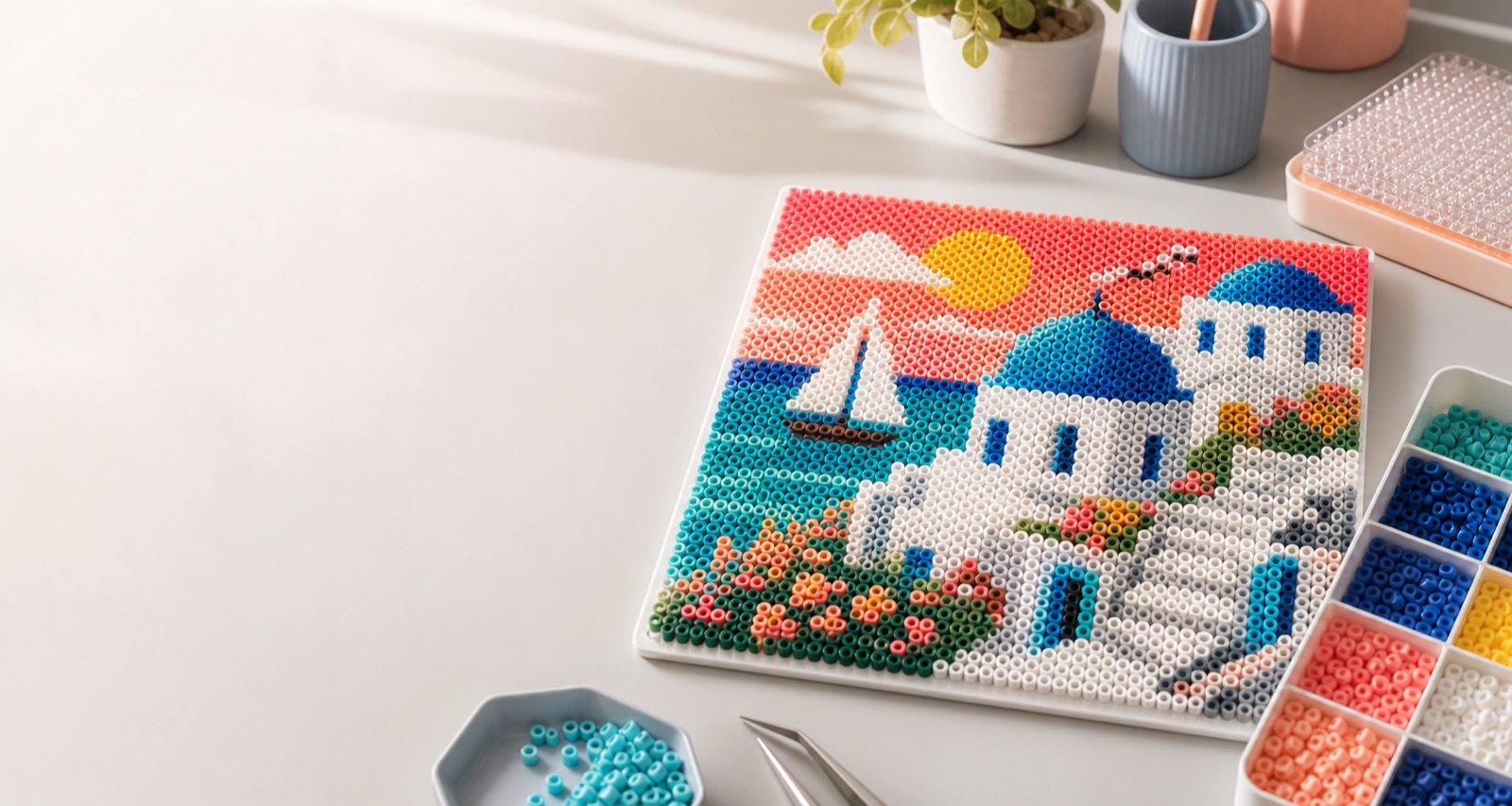
Layout workflow
Select the boardChoose dimensions such as 52, 78, or 104 beads.
Set the image rangeCrop and move the selection so the subject remains complete.
Generate A4 pagesPreview single or multiple pages before saving them for print.
Printing tips
Choose Actual Size or 100% in the printer dialog. Do not use Fit to Page, which changes the physical scale. Printer margins vary, so test one page against your board before starting a large project.
Frequently asked questions
Why does a large pattern use several pages?
A design larger than the printable area is split at the selected physical scale instead of being reduced.
Can I position the pattern manually?
Yes. The layout tool provides centering and edge-alignment controls as well as manual movement.