IMAGE TO BEADS
Turn an image into a clear bead pattern
Upload a portrait, photo, illustration, or icon. Choose the board width and color count, then export a practical pattern with bead color codes and quantities.
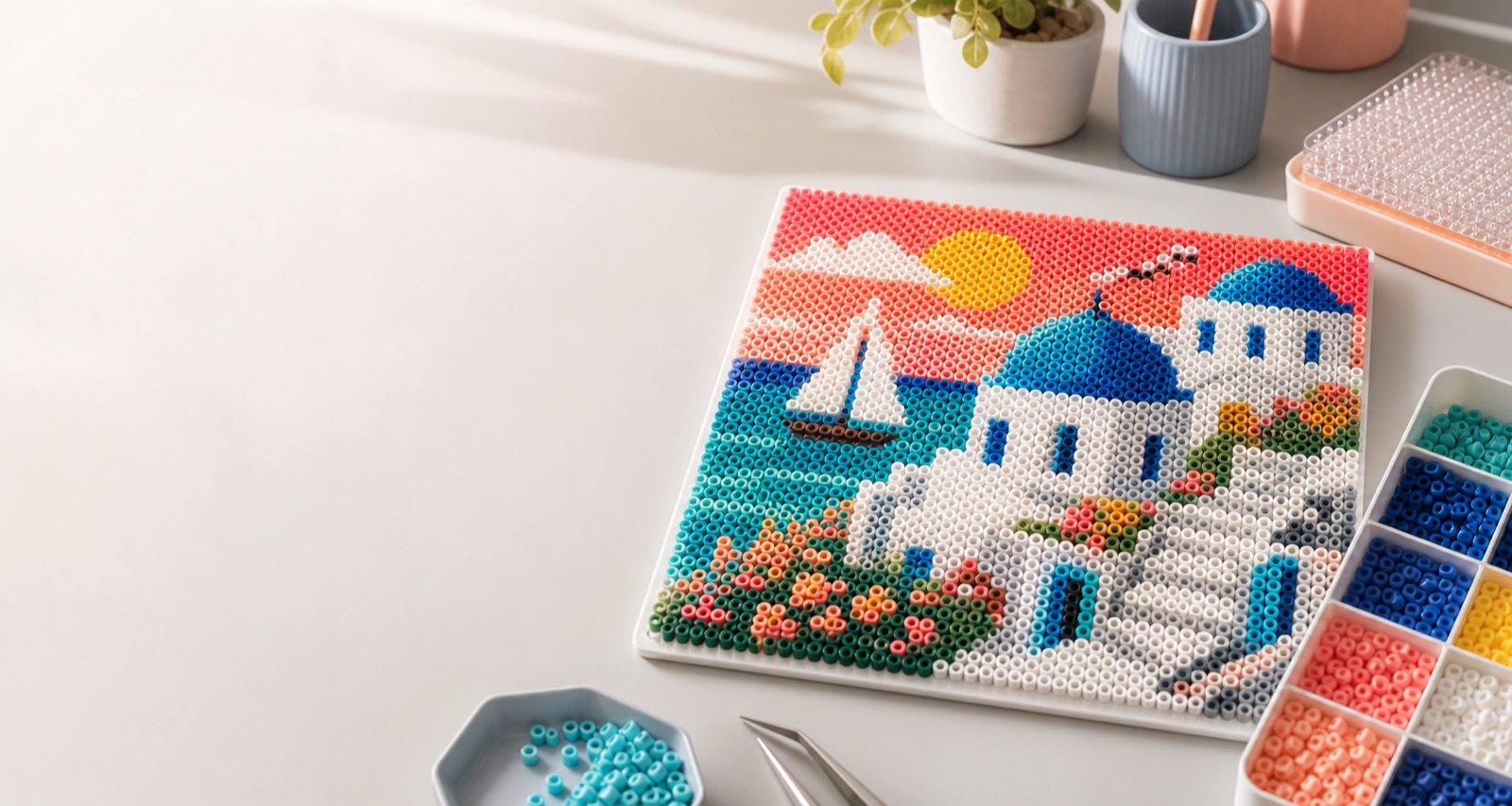
What images work well?
PortraitsTry a width of 40 to 80 beads and 12 to 32 colors.
Anime charactersClean outlines and a simple background produce clearer patterns.
Keychain designsUse fewer colors at small sizes to keep edges readable.
Conversion tips
Increase the bead-board width when the source image contains small details. Reduce the color count if the result looks noisy. The exported color list helps you prepare the right number of beads before starting.
Common pattern sizes
- Under 30 beads: simple icons and small charms.
- 40 to 80 beads: portraits, characters, and medium projects.
- Over 100 beads: detailed wall art with a much larger bead count.
Frequently asked questions
Will the converter preserve the original colors?
It matches image colors to the selected bead palette, then simplifies them according to the chosen color count.
Can I export a pattern without color-code text?
Yes. The result page supports downloads both with and without color codes.